What Schoohubke actually looks like
Real screens from the product, not mockups — the same captures used in our own documentation, callouts and all. Every name below (“Riverside Academy”, “Alice Mwangi”) is fictional demo data. For the module-by-module list instead, see everything Schoohubke does.
Or skip the screenshots
Log in and click around yourself
A live demo school with real (fictional) learners, staff and records — reset every night, so nothing you do there is permanent. No real fees, emails or texts ever go out from it.
School code
DEMO
Username
demo
Password
TryDemo-2026!
Want the parent or learner view instead? Same password — username demoparent or demolearner.
Log in to the demoFor admins
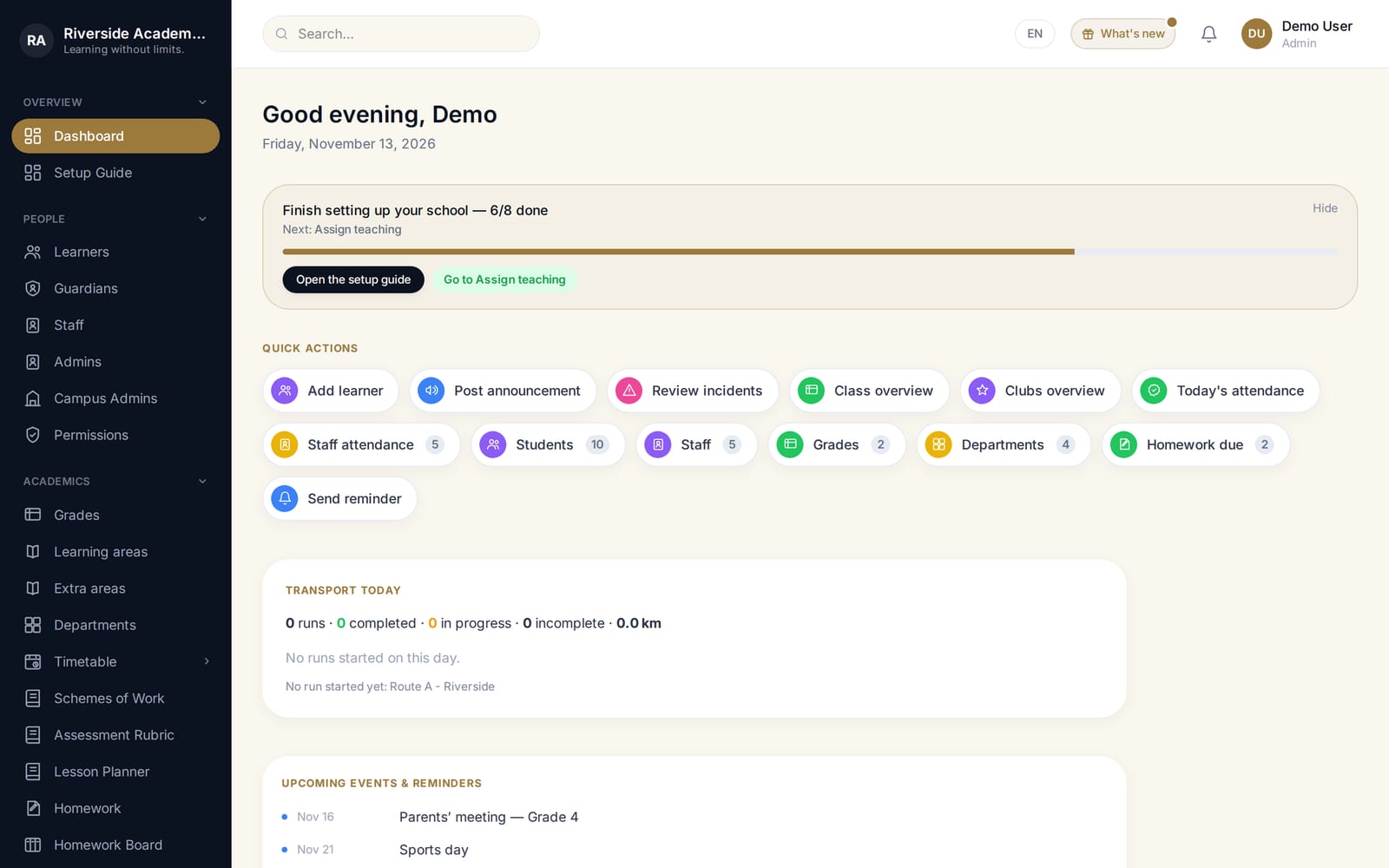
One home screen, tuned to your role
What you land on depends on who you are — an admin sees quick actions like posting an announcement or reviewing approvals; a teacher or parent sees a different set entirely.
Academics
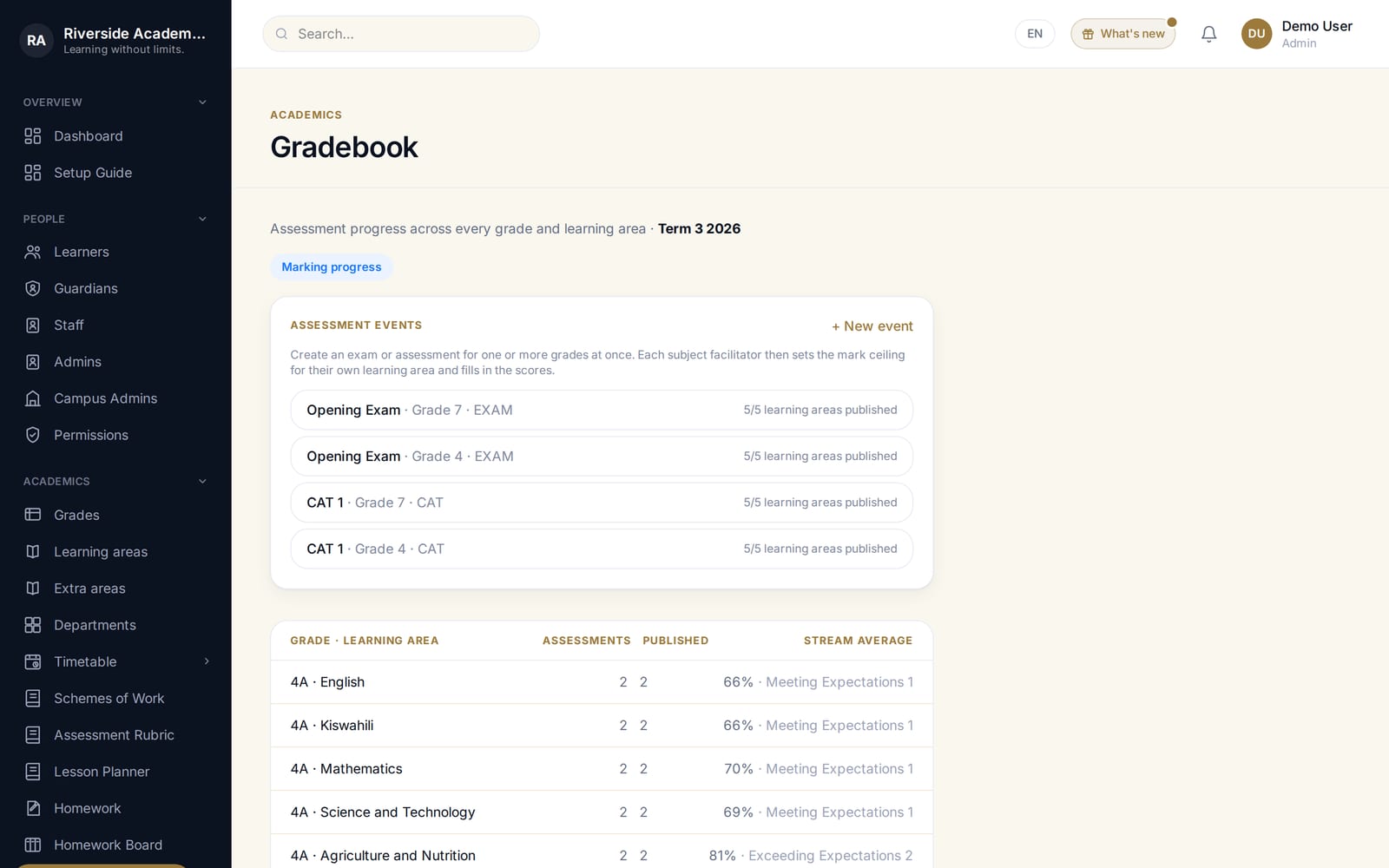
CBC gradebook, at a glance
Every learning area, every assessment, how far each subject has got toward being published — for the whole grade on one screen, not one learner at a time.
Academics
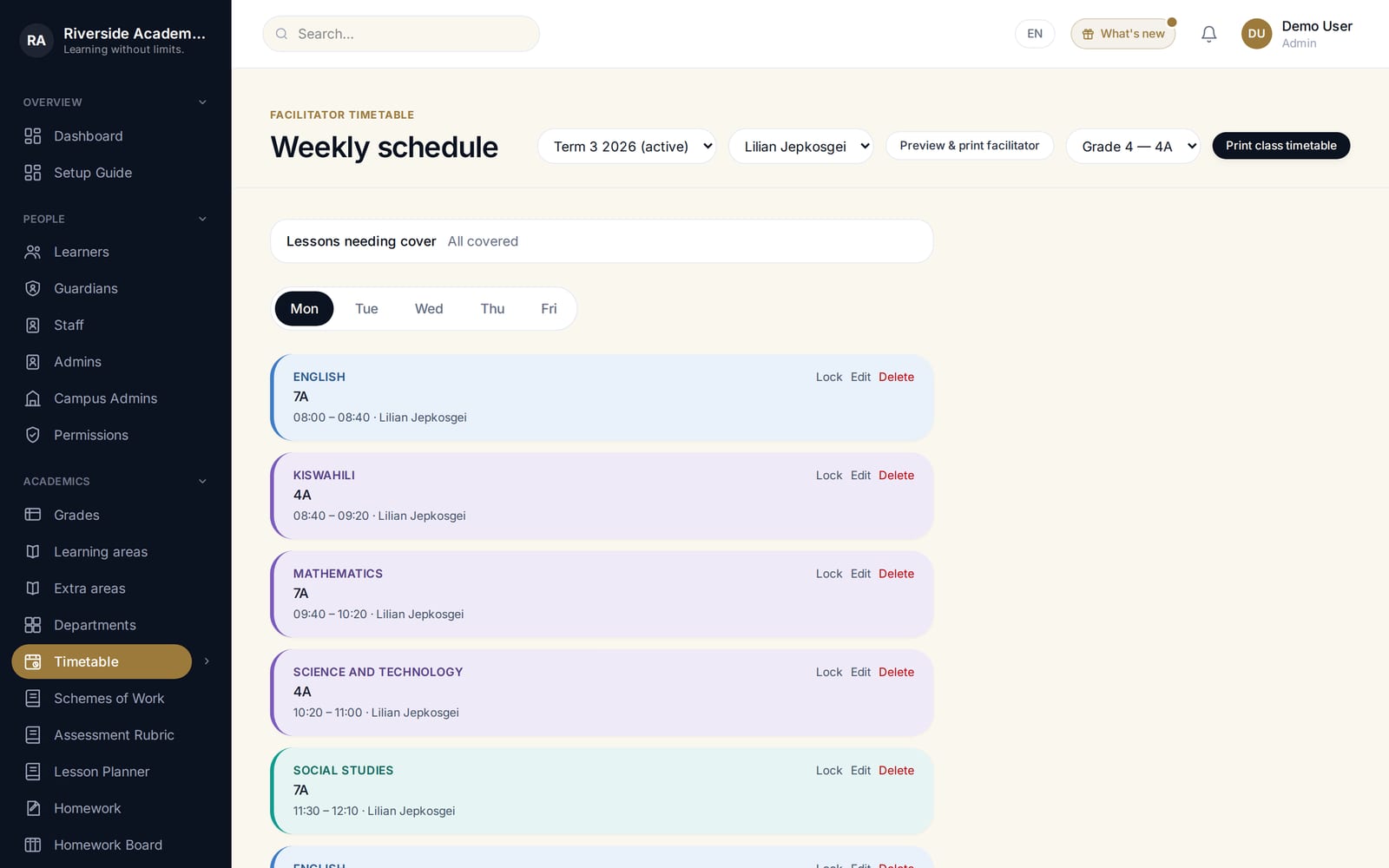
The weekly timetable, built for you
Lay out periods across the week per stream, or let auto-schedule do the first pass and adjust from there.
Academics
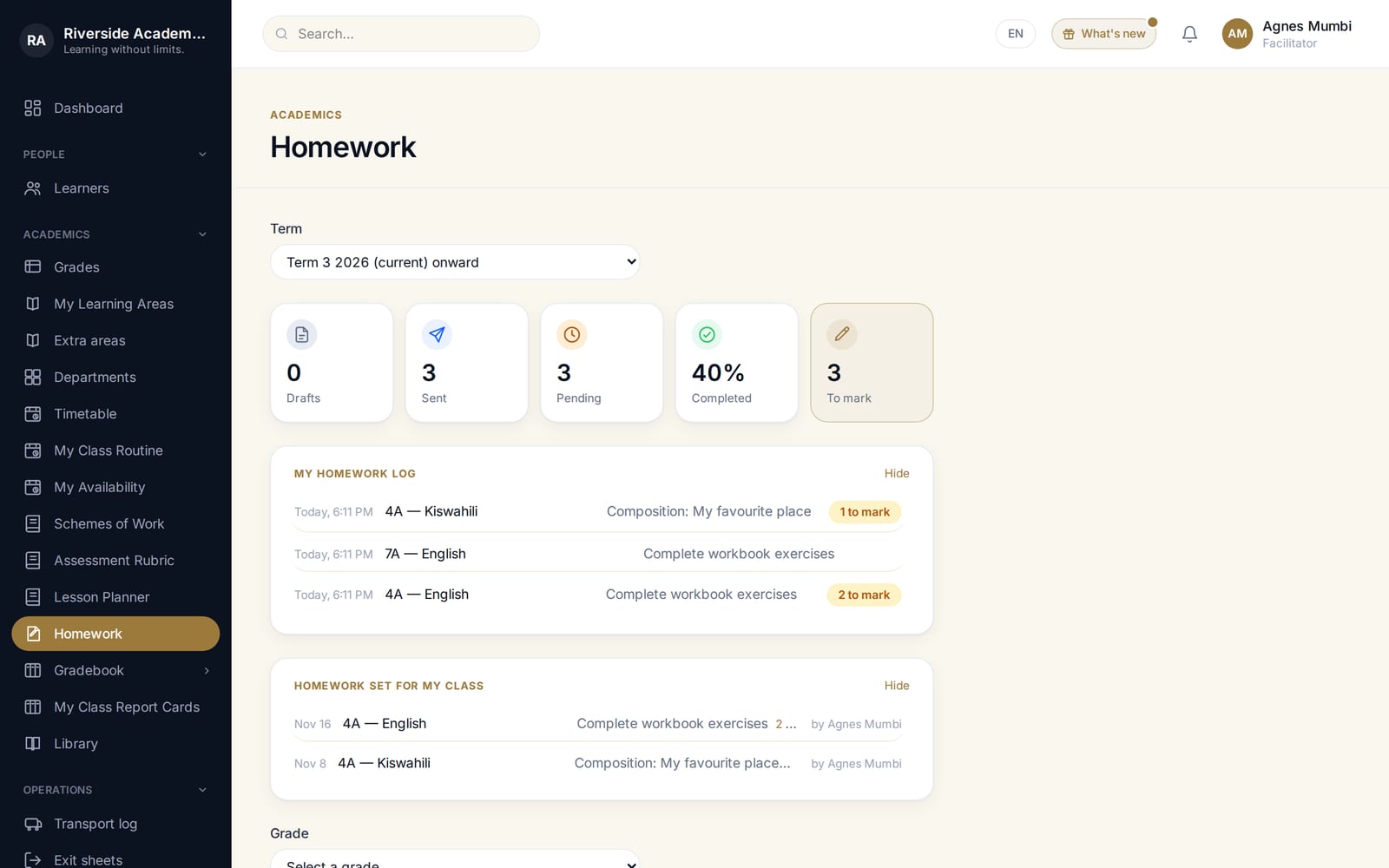
Homework, set once and tracked automatically
A facilitator sets it, learners hand it in — even a photo of written work — and completion tracks itself instead of living in someone's head.
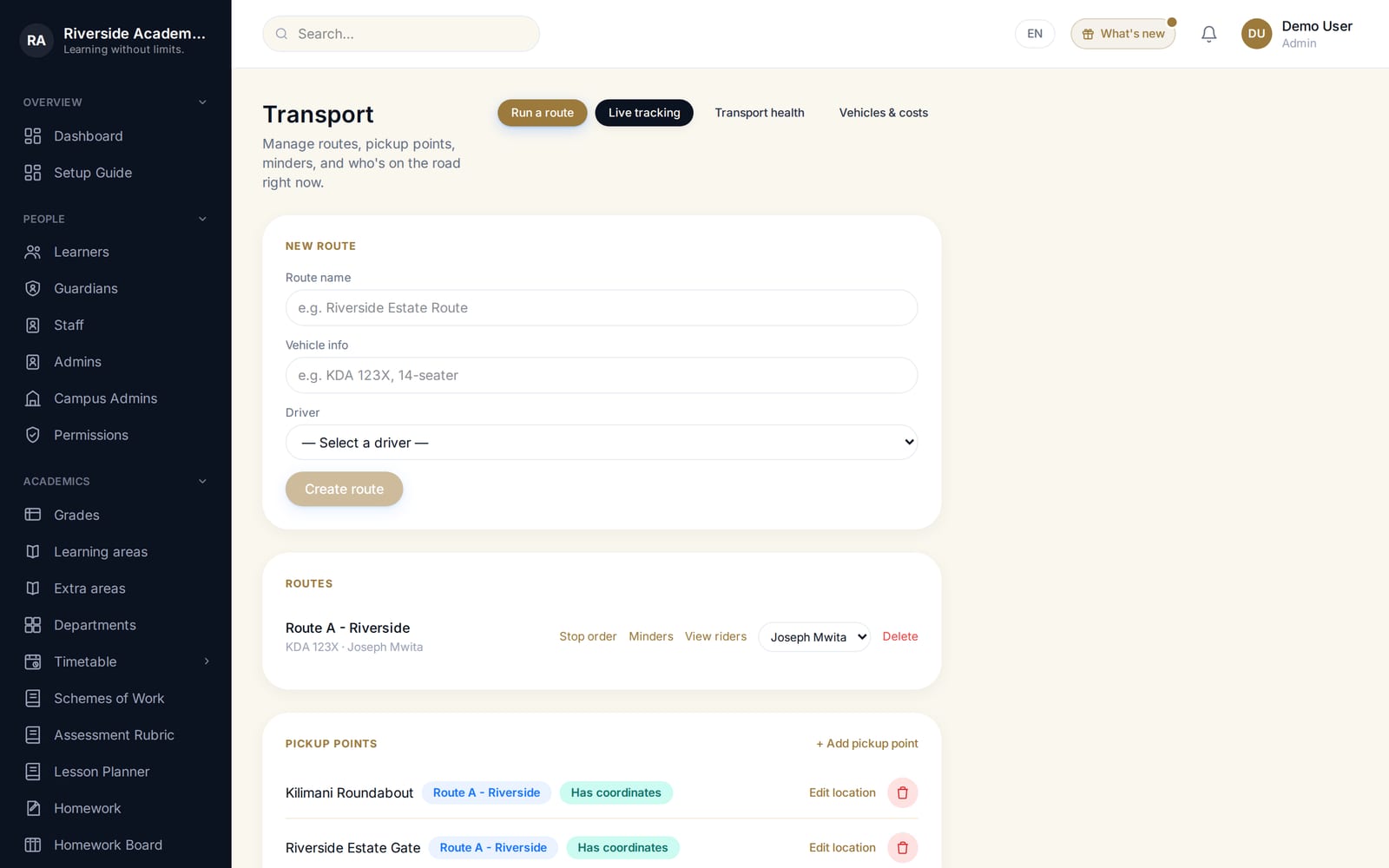
Transport
Live GPS, while the bus is actually moving
Not just a route list — a real-time map a parent or transport officer can watch during pickup and drop-off.
Operations
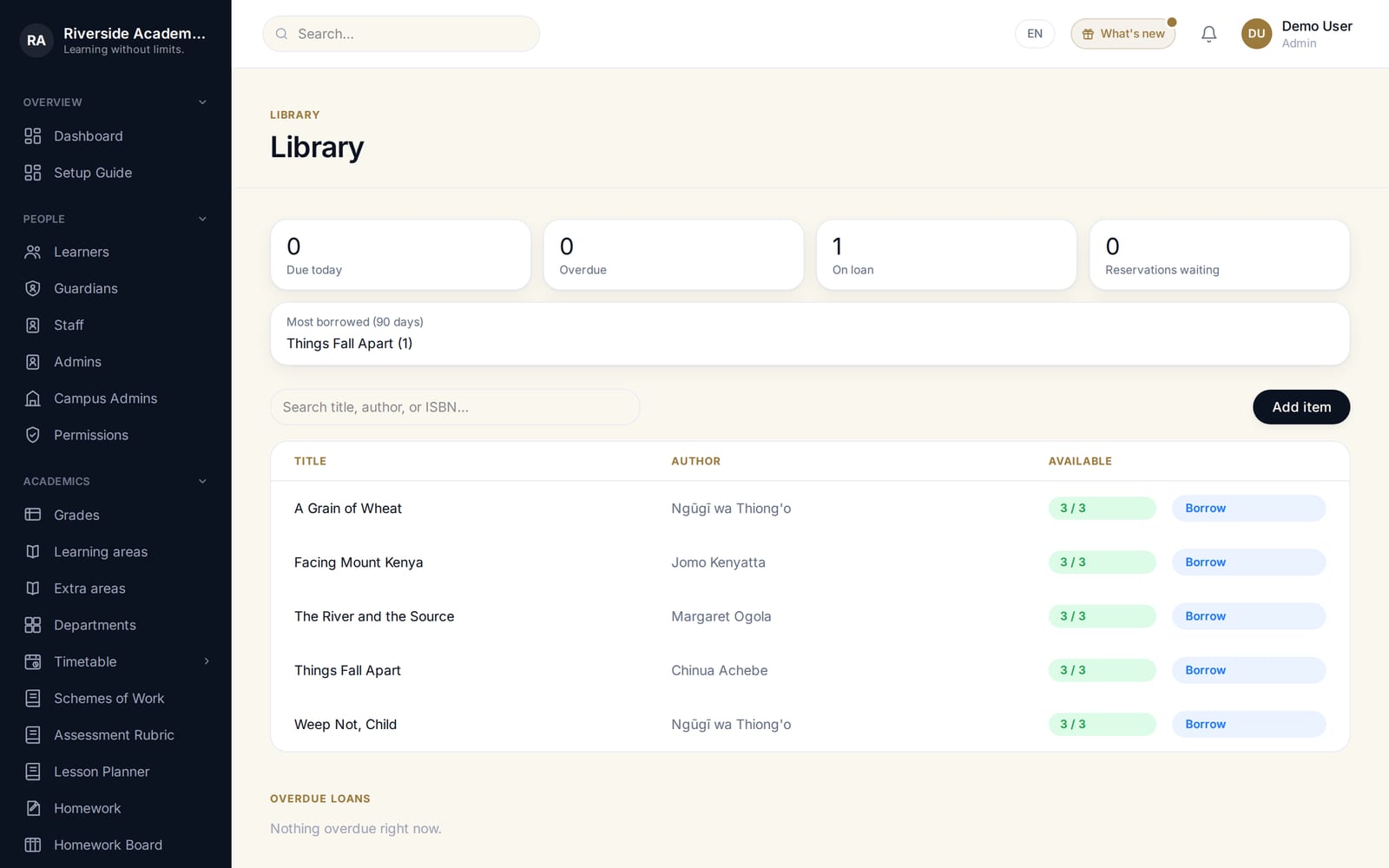
Library, without the spreadsheet
What's out, to whom, and what's overdue — tracked the same way as everything else in the system, not a side project in Excel.
Communication
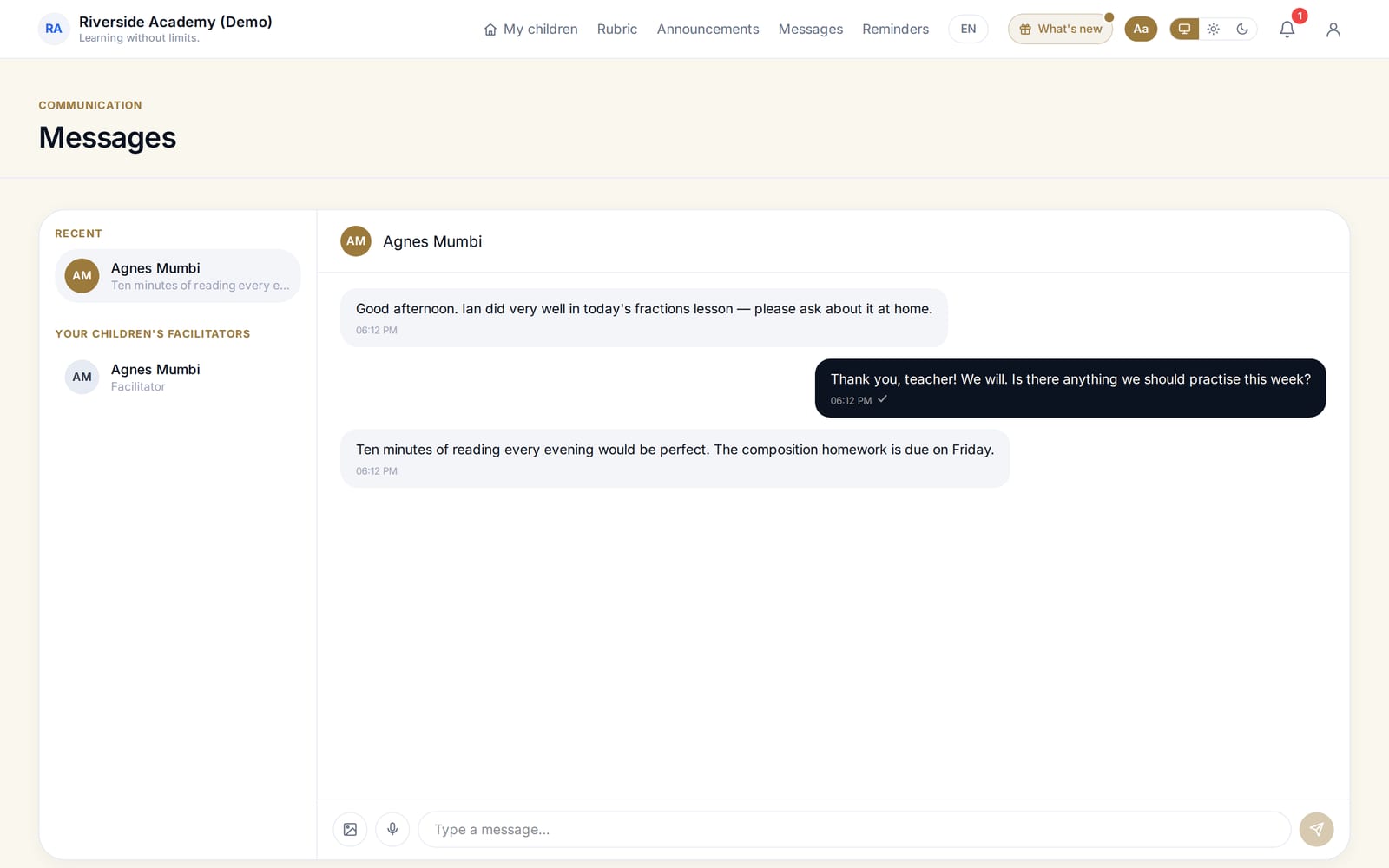
One inbox for the whole school
Staff and guardians reach each other without a WhatsApp group — messages stay attached to the people and records they're about.
Academics
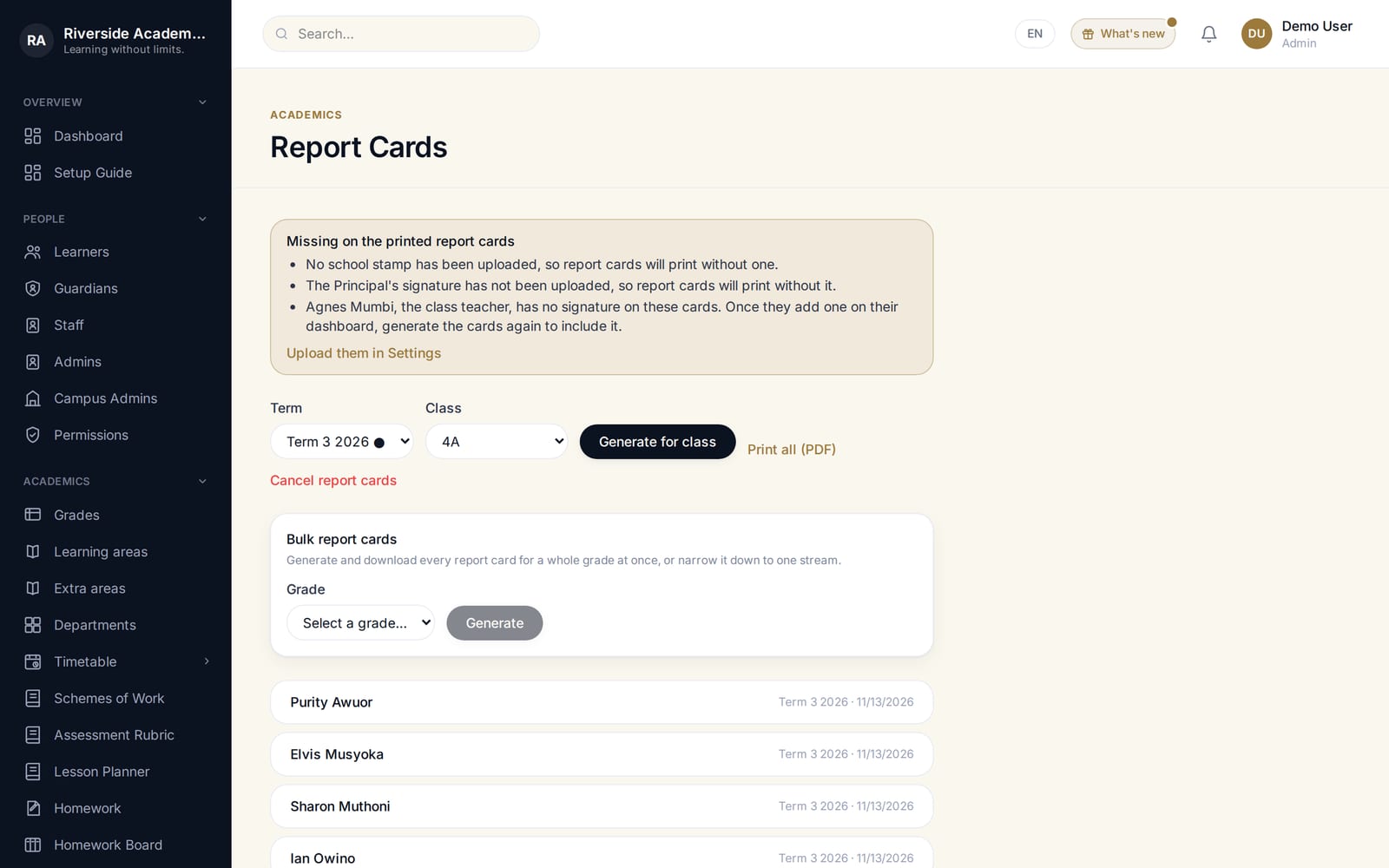
Report cards, generated, not typed
Pulled straight from the term's recorded assessments — no re-entering marks into a separate document by hand.
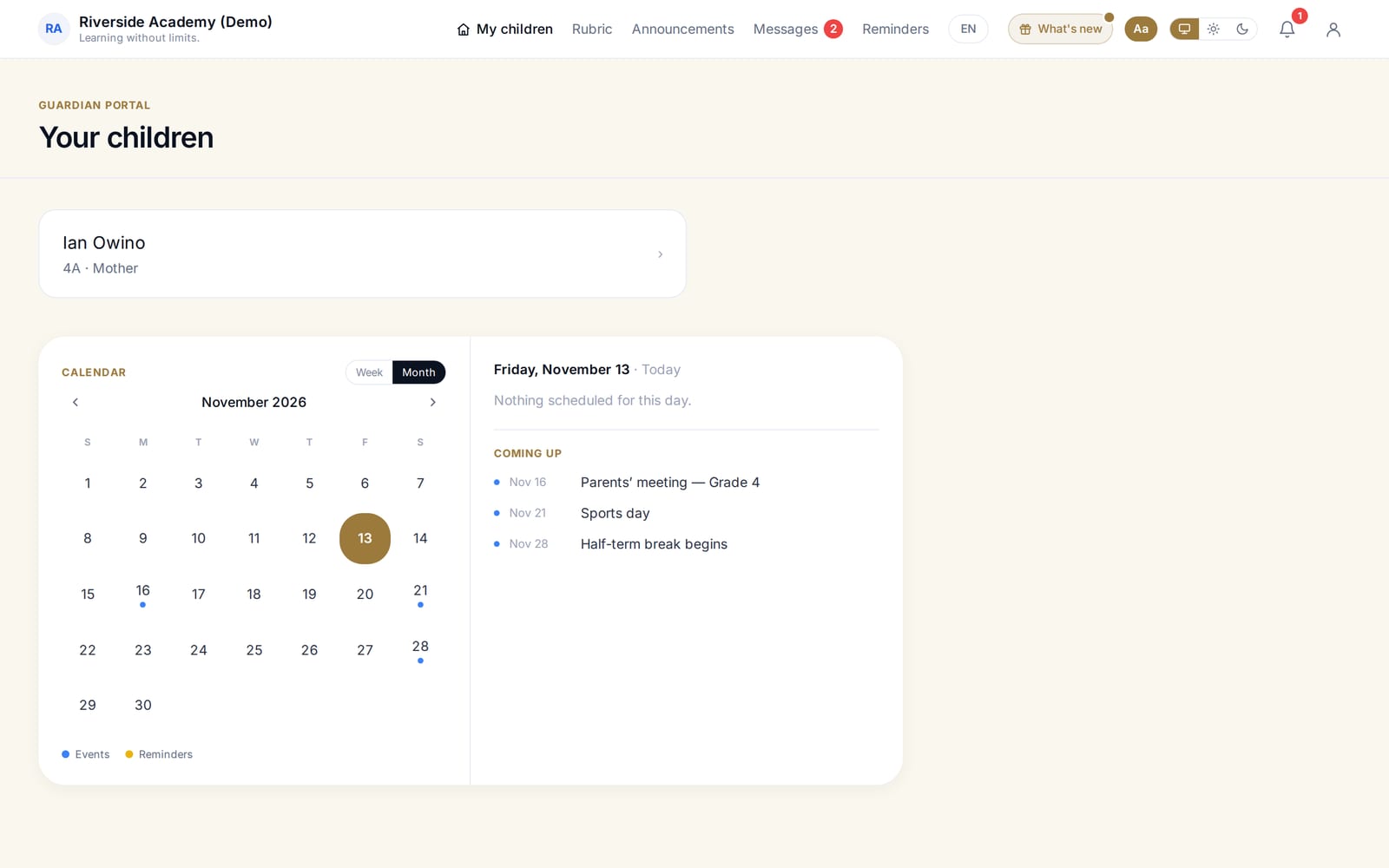
For families
What a parent actually sees
Their own child's attendance, results, homework and fees — nothing about anyone else's.
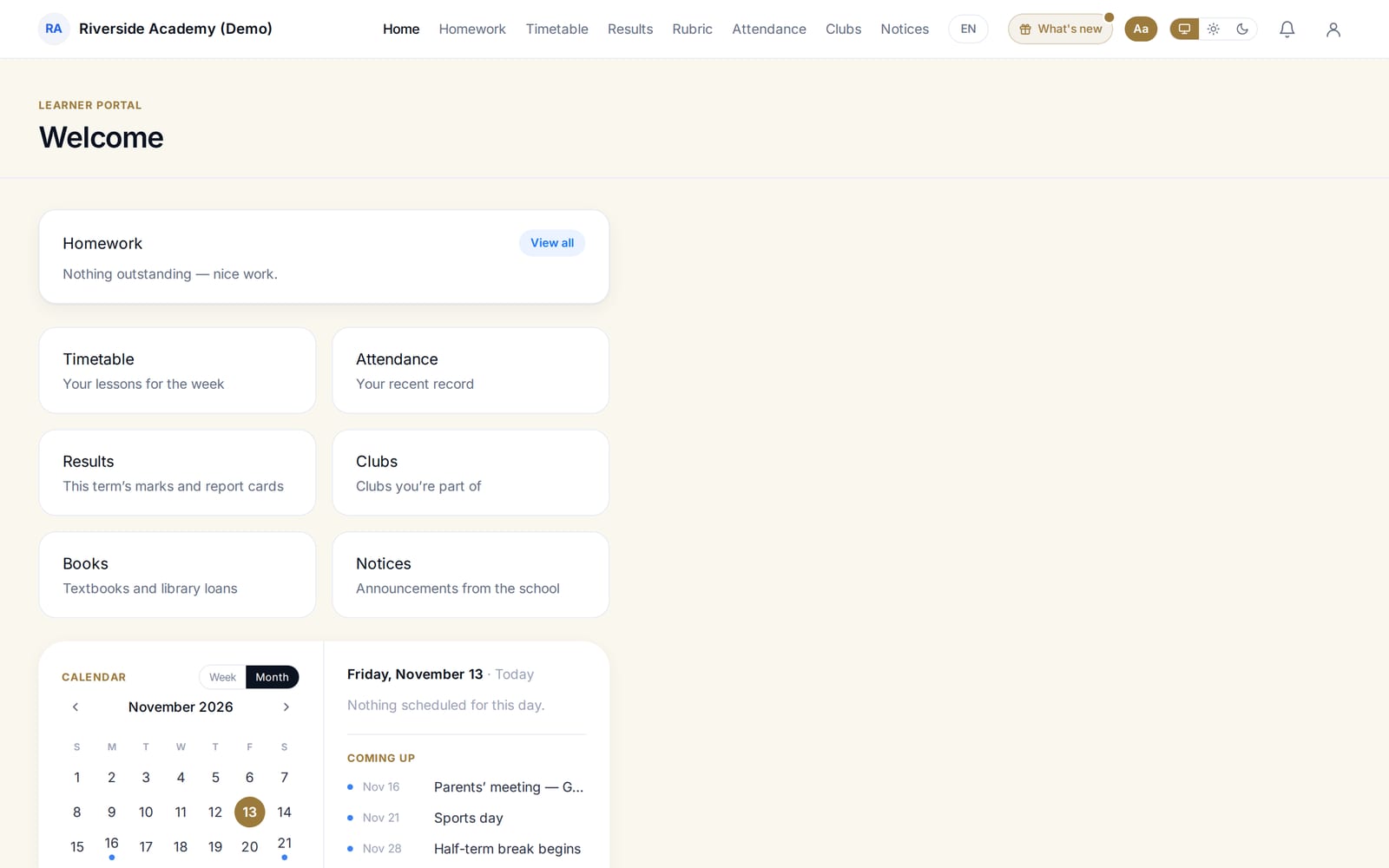
For learners
A learner's own view
Their timetable, homework and results — the same data, shaped for the person it actually belongs to.
Want to see the rest?
This is a slice of it — talk to us and we’ll walk you through the parts of the system that matter most for your school.
Request a demo